
RRB NTPC & Group D Photo, Signature & Travel Pass Size 2026-2027: Railway Portal Resizer Guide
Official 2026-2027 Railway RRB NTPC (Graduate & Undergraduate) and Group D specifications: Photo (30KB to 70KB), Signature (15KB to 30KB), and SC/ST Travel Pass PDF under 500KB with free client-side resizer.

Authored & Verified by Aaradhya Pathak
Founder, Snab Innovations · Fact-Checked for Official 2026-27 Notification Standards
Dimensions, file size rules, and accepted formats are verified against current SSC, UPSC, NTA, and State PSC guidelines. Zero-server guarantee: images and signatures are processed locally inside your web browser.
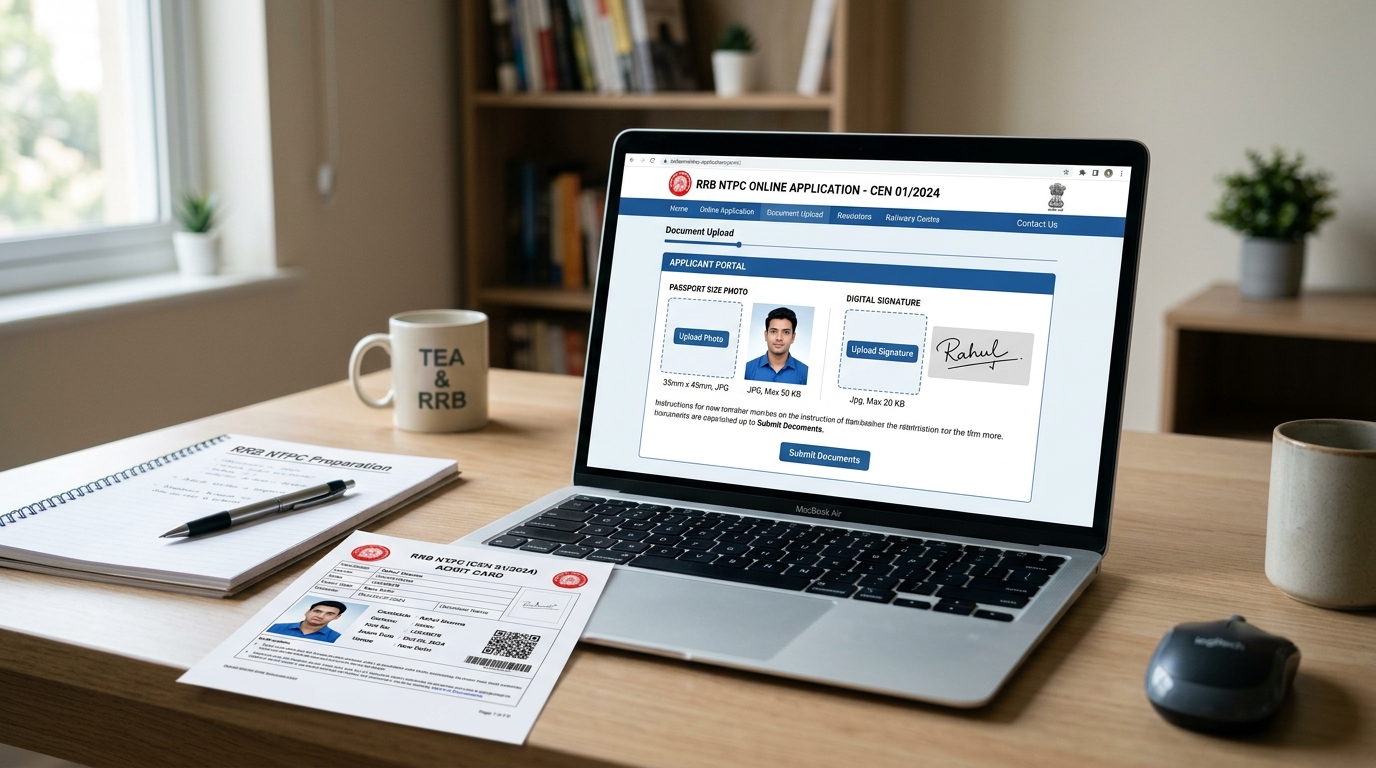
Use Tool Directly in Browser
Your files never leave your browser. 100% free, zero login required.
The Railway Recruitment Boards (RRB) have officially launched mega recruitment drives across Indian Railways, welcoming applications from over 1.2 to 1.5 crore aspirants for RRB NTPC (Non-Technical Popular Categories — Graduate & Undergraduate Levels), RRB Group D (Level-1), and RRB ALP & Technician posts.
With highly coveted vacancies such as Station Master, Goods Train Manager, Chief Commercial cum Ticket Supervisor, Senior Clerk, and Accounts Clerk on the line, competition is fierce. Yet, every single year, over 3 to 5 lakh application forms are summarily rejected at the scrutiny stage before candidates ever get to sit for the Computer Based Test (CBT-1).
The primary culprit? Failing to meet Indian Railways' distinctive biometric upload rules on the official rrbapply.gov.in portal. Unlike SSC or Banking portals that demand 20–50KB files, Indian Railways enforces a unique 30 KB to 70 KB photograph threshold and a 15 KB to 30 KB signature window.
In this definitive operational guide, we break down the official 2026–2027 Railway recruitment guidelines, examine the exact dimensional and byte requirements, highlight the most common rejection traps, and demonstrate how to format your files in seconds using FileZenith’s free, 100% private in-browser tools.
Quick Reference Table: Official RRB Document Specifications (2026-2027)#
Keep this official parameters matrix handy before uploading your credentials to rrbapply.gov.in or your regional RRB portal (RRB Mumbai, RRB Allahabad, RRB Chennai, RRB Kolkata, etc.):
| Document Category | Prescribed Pixel Dimensions | Physical Measurements (mm / cm) | File Weight Bounds | Format | Background & Formatting Mandatory Rules |
|---|---|---|---|---|---|
| Passport Photograph | 320 x 240 pixels (or 350 x 450 px) | 35 mm x 45 mm (3.5 cm x 4.5 cm) | 30 KB to 70 KB | JPG / JPEG | Plain, uniform white background; full face 75–80% frame; no spectacles |
| Candidate Signature | 140 x 60 pixels (or 160 x 70 px) | 50 mm x 20 mm (5.0 cm x 2.0 cm) | 15 KB to 30 KB | JPG / JPEG | Running handwriting with black or dark blue ink; NO block capital letters |
| SC / ST Travel Authority Certificate | Standard A4 Page Scan | Standard Document Dimensions | Strictly under 500 KB | Clear readable official caste certificate for free sleeper class rail pass | |
| Scribe Photograph (If applicable) | 320 x 240 pixels | 35 mm x 45 mm | 30 KB to 70 KB | JPG / JPEG | Recent passport photo taken within 3 months |
⚠️ Warning — The 30KB Lower Bound Trap: Most recruitment portals accept photos starting from 20KB. If your compressed photo is 28 KB or 29.5 KB, the Railway server validation filter will trigger an instant error: "File size must be between 30.00 KB and 70.00 KB". Ensure your file lands comfortably between 35 KB and 65 KB.
The 5 Fatal Mistakes That Cause RRB Application Rejection#
The Railway Recruitment Board deploys automated optical validation software paired with human scrutiny boards. Applications containing any of the following flaws are disqualified with zero refund and no correction opportunity:
1. Wearing Spectacles, Sunglasses, or Colored Contact Lenses
Even if you wear prescription power glasses daily, RRB rules explicitly mandate that the photograph must be captured without spectacles or tinted glasses. Glare or optical reflection on spectacle lenses obscures pupil coordinates, preventing automated facial biometric matching on exam day.
2. Colored, Gradient, or Dark Backgrounds
Selfies captured against bedroom walls, outdoor garden backgrounds, or curtains with floral prints are flagged automatically. The backdrop must be pure white or solid off-white. If your original photo has a cluttered background, use FileZenith's Background Remover to instantly replace it with a studio-grade white backdrop.
3. Signatures in Block / CAPITAL Letters
Signing as RAHUL KUMAR instead of natural running cursive handwriting results in instant rejection. Signatures in capital letters are legally unenforceable and deemed invalid by Indian Railways. Sign naturally on clean, unlined white paper with a bold black ballpoint pen.
4. Re-using Old Photographs from Past Exam Cycles
Railway notifications stipulate that the photograph must have been captured not more than three months prior to the notification release date. The facial appearance in the uploaded photo must match your physical appearance on exam day (hair length, facial hair, etc.) to clear biometric frisking at the TCS iON exam center.
5. Blurry or Over-Compressed SC/ST Travel Pass PDFs
Reserved category applicants entitled to free sleeper rail travel must upload their Central/State Caste Certificate in PDF format. If compression renders the issuing authority's round stamp or digital seal illegible, the free travel request is cancelled and the admit card may be withheld. Use our client-side Compress PDF to 200KB tool to maintain crisp vector text under 500KB.
Step-by-Step Guide: How to Format Your RRB Photo & Signature#
You do not need expensive Photoshop licenses or third-party cyber cafes to prepare compliant files. You can complete the entire process directly in your smartphone or laptop browser:
Step 1: Prepare Your Raw Photograph
- Stand 4 feet away from a wall under even, diffuse natural lighting (facing a window).
- Ensure both ears are visible, shoulders are square, and maintain a neutral expression with eyes looking straight into the lens.
- Take a sharp photo with your smartphone camera.
Step 2: Crop and Standardize to 35mm x 45mm
- Open FileZenith’s Passport Photo Maker or Image Resize tool.
- Crop your image to the standard 3.5 cm × 4.5 cm aspect ratio, ensuring your face occupies approximately 75% of the vertical frame.
- Set the background to clean white.
Step 3: Compress Strictly Between 30 KB and 70 KB
- Navigate to the Image Compress tool.
- Set the target file weight slider to 50 KB (the optimal midpoint).
- Our client-side binary search quantization engine compresses the image locally in browser memory, delivering a crisp, high-contrast JPEG that complies with RRB portal limits.
Step 4: Clean and Format Your Signature (15 KB to 30 KB)
- Sign on a crisp white sheet of paper using a black ink pen.
- Take a well-lit photo of your signature without phone shadows.
- Open the Signature Resizer tool.
- The tool automatically eliminates yellow paper tint, boosts pen stroke contrast to deep black, and locks the final weight safely between 18 KB and 26 KB.
SC/ST Free Rail Travel Pass PDF Preparation (Under 500 KB)#
Indian Railways provides free sleeper class train passes to eligible SC/ST candidates appearing for CBT-1 and CBT-2 exams. To claim this benefit, you must upload a scanned copy of your caste certificate:
- Scan the original certificate or save the digital e-certificate as a PDF.
- If your scanner outputs a file larger than 500 KB (often 1MB to 3MB), open FileZenith's Compress PDF tool.
- Select the 200KB or 300KB target preset.
- The tool strips unnecessary metadata streams while preserving the issuing magistrate's digital signature and seal, guaranteeing effortless acceptance on the portal.
Recommended Free FileZenith Tools for Railway Aspirants#
Streamline your complete RRB NTPC, ALP, and Group D submission with these purpose-built utilities:
- Govt Job Tools Hub: Complete suite of official exam dimension resizers and document formatters.
- Signature Resizer (10–30KB): Automatic background cleanup and precise byte-size calibration.
- Image Compress to 50KB: Exact sweet-spot compression for the RRB 30–70KB photo requirement.
- Passport Photo Maker: Accurate 3.5×4.5 cm crop with plain white background generation.
- Compress PDF to 200KB: Compress caste certificates under the 500KB ceiling with 100% clarity.
Frequently Asked Questions (FAQ) — RRB NTPC & Group D#
1. What are the exact photo size limits for RRB NTPC and Group D?
The photograph must be in JPG or JPEG format, with a file size strictly between 30 KB and 70 KB. The physical dimensions must be 35 mm width by 45 mm height (or roughly 320 x 240 pixels), captured on a clean, solid white background.
2. Can I wear spectacles in my RRB application photograph?
No. Official Railway Recruitment Board guidelines strictly prohibit wearing spectacles, sunglasses, or tinted glasses in the application photo. Even if you wear prescription glasses, you must remove them for the photo to ensure clear optical biometric matching.
3. What happens if my photo size is 25 KB or 75 KB?
The rrbapply.gov.in upload filter will immediately reject your file. Files under 30.0 KB or over 70.0 KB fail the server pre-check validation rules. Use FileZenith's compressor targeting 45 KB to 55 KB for guaranteed acceptance.
4. Is Date of Photo (DOP) or Candidate Name compulsory on RRB photos?
Unlike some SSC notifications, Indian Railways does not strictly mandate printing your name or date on the photo unless explicitly stated in an addendum. However, the photo must be recent (taken within the last 3 months), and adding a subtle date stamp does not disqualify your application.
5. What are the signature dimensions and ink color for Railway forms?
The signature must be signed on unlined white paper with black or dark blue ink. Dimensions must be 50 mm x 20 mm (or approximately 140 x 60 pixels), and the file size must be strictly between 15 KB and 30 KB. Capital letter signatures are strictly rejected.
6. Why does my signature get rejected even though it is under 30 KB?
Common reasons include: signing in capital letters, having dark shadows or gray paper backgrounds, using a light pencil or felt pen that bleeds, or uploading an image smaller than 15 KB. Use FileZenith's Magic B&W cleanup to ensure high-contrast black strokes on pure white.
7. How do I get a free sleeper class train ticket for RRB exams?
SC and ST candidates must upload a legible copy of their official caste certificate in PDF format under 500 KB during online application submission. If approved, the e-admit card will contain a free railway travel pass authority voucher.
8. Are my certificates and personal photos uploaded to FileZenith servers?
No. FileZenith runs entirely in your local browser sandbox via WebAssembly and HTML5 Canvas. Your photographs, signatures, and government caste certificates never leave your device and are never stored on any remote cloud server.
Explore Related FileZenith Tools
- Quick Reference Table: Official RRB Document Specifications (2026-2027)
- The 5 Fatal Mistakes That Cause RRB Application Rejection
- Step-by-Step Guide: How to Format Your RRB Photo & Signature
- SC/ST Free Rail Travel Pass PDF Preparation (Under 500 KB)
- Recommended Free FileZenith Tools for Railway Aspirants
- Frequently Asked Questions (FAQ) — RRB NTPC & Group D