

UPSC Civil Services & OTR Photo & Signature Requirements (Official Guidelines)
Official rules for UPSC OTR photo and signature upload: 20-300KB file size, 350x350 px minimum 1:1 square ratio, and name and date stamp requirements.
Reviewed by FileZenith Editorial Board
Fact-Checked for Official 2026-27 Notification Standards
Dimensions, file size rules, and accepted formats are verified against current SSC, UPSC, NTA, and State PSC guidelines. Zero-server guarantee: images and signatures are processed locally inside your web browser.
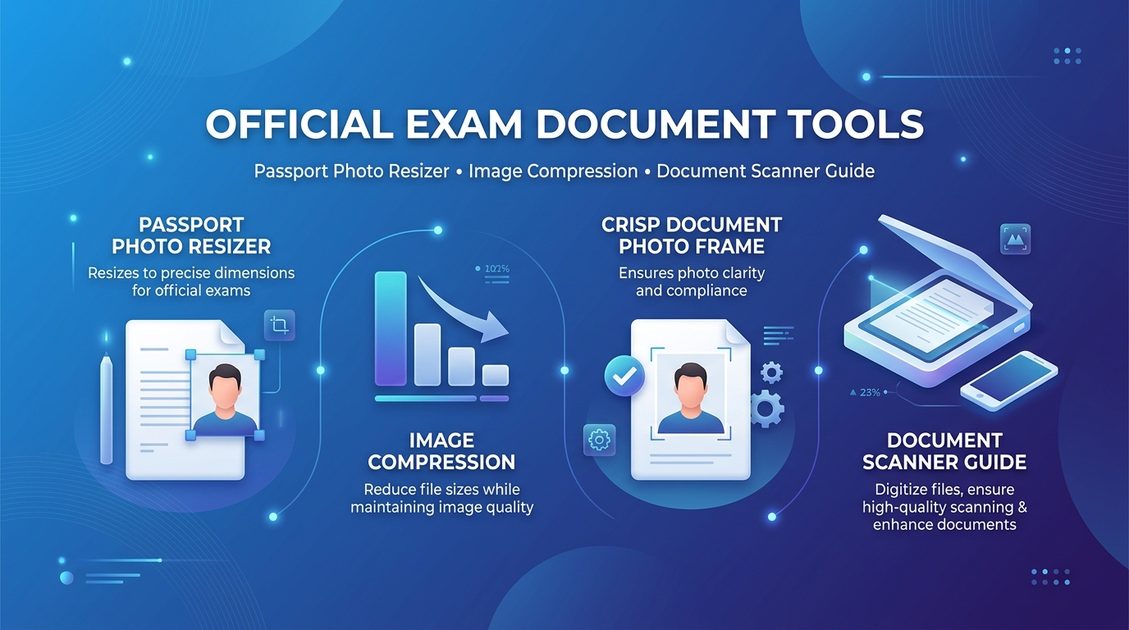
Use Tool Directly in Browser
Your files never leave your browser. 100% free, zero login required.
The Union Public Service Commission (UPSC) requires all aspirants registering on the One Time Registration (OTR) portal for examinations including Civil Services (IAS, IFS, IPS), CDS, NDA, CAPF, and IES to upload photographs and signatures conforming to strict updated guidelines.
Unlike other recruitment boards that utilize rectangular 3.5 × 4.5 cm frames, UPSC mandates a 1:1 square aspect ratio and requires the candidate's name and photo date clearly visible on the image.
Official Portal Verification Notice: Requirements may change. Always verify the latest guidelines on the official UPSC portals (
upsc.gov.inandupsconline.nic.in) before submitting your application.
1. UPSC Photograph Official Guidelines (OTR Portal)#
- Aspect Ratio: 1:1 Perfect Square (Non-square images are rejected by the OTR validator).
- Pixel Dimensions: Minimum 350 × 350 pixels, Maximum 1000 × 1000 pixels.
- File Weight: 20 KB to 300 KB.
- Recency: Must have been photographed within 10 days of the start of the online application process.
- Name & Date Stamp: The candidate's full name and the date on which the photo was captured must be clearly inscribed at the lower portion of the photograph.
- Face Coverage: Facial appearance must cover roughly 75% of the photograph frame.
2. UPSC Signature Official Guidelines#
- Resolution: Minimum 350 × 350 pixels, Maximum 1000 × 1000 pixels (Square aspect ratio).
- File Weight: 20 KB to 300 KB.
- Format: JPEG format on a clean white sheet with black ink.
How to Format Photos for UPSC OTR in 3 Minutes#
- Open FileZenith's UPSC Photo Resizer.
- Upload your frontal portrait photo.
- Use the square 1:1 cropping guide to align your face and shoulders.
- Check "Add Name & Date" and input your full name and the capture date.
- Download your compliant square JPEG, optimized between 40KB and 150KB.
Common Mistakes to Avoid#
- Uploading Rectangular Photos: Attempting to submit standard 3.5 × 4.5 cm rectangular photos triggers an immediate aspect ratio mismatch error.
- Outdated Photographs: Submitting photos older than 10 days violates UPSC OTR exam instructions.
- Low Pixel Resolution: Ensuring both width and height are at least 350 pixels prevents upload failures.
Frequently Asked Questions (FAQ)#
What are the exact dimensions for UPSC OTR photo uploads?
UPSC requires a 1:1 square ratio with minimum dimensions of 350 × 350 pixels up to a maximum of 1000 × 1000 pixels, weighted between 20KB and 300KB in JPG format.
Is candidate name and photo date mandatory on UPSC photos?
Yes. UPSC explicitly requires that the candidate's name and the date of photograph be clearly printed at the bottom of the uploaded photo.
Can I resize my UPSC photo online for free?
Yes. FileZenith's UPSC Photo Resizer provides automatic 1:1 square cropping, name/date stamping, and file size optimization 100% free with complete privacy.
Related Tools & Guides#
- UPSC Photo Resizer Tool — Format photos for UPSC OTR portal.
- Photo Name & Date Generator — Add name and date stamp instantly.
- SSC Photo Size Requirements — Guidelines for SSC examinations.
- How to Resize Photo for Online Application — Step-by-step resizing guide.