

How to Compress PDF Files Without Losing Quality (100% Free & Private)
Learn how to shrink PDF document file sizes for job portals, government applications, and email attachments while preserving sharp text and crisp images.
Reviewed by FileZenith Editorial Board
Fact-Checked for Official 2026-27 Notification Standards
Dimensions, file size rules, and accepted formats are verified against current SSC, UPSC, NTA, and State PSC guidelines. Zero-server guarantee: images and signatures are processed locally inside your web browser.
Use Tool Directly in Browser
Your files never leave your browser. 100% free, zero login required.
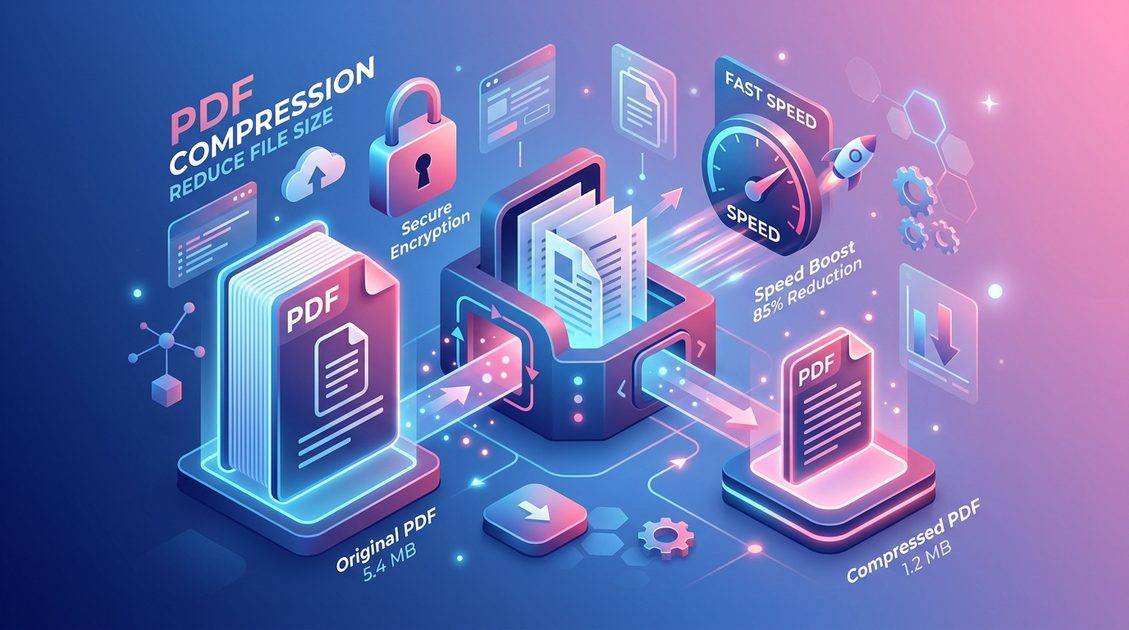
Large PDF document sizes can block upload portals, fail email attachment limits, and frustrate users with slow loading times. Compression reduces your file size without compromising readability or image resolution.
Unlike cloud converters that upload confidential documents to external servers, FileZenith compresses PDFs directly inside your browser using WebAssembly and client-side processing algorithms.
Why PDF Files Become Unnecessarily Large#
PDF files often balloon in size due to several common factors:
- Uncompressed High-Res Scans: Standard document scanners often embed uncompressed 300+ DPI bitmap images.
- Embedded Font Families: Unused vector font subsets included inside the document stream.
- Duplicate Object Streams: Redundant graphics state declarations and uncompressed metadata metadata trees.
By optimizing bitmap streams and removing redundant metadata without re-encoding text, you achieve up to 80% file size reduction while keeping printed text laser-sharp.
3-Step Guide: Compress PDF Online Privately#
Reducing your PDF size on FileZenith takes under 5 seconds with zero server file transfers:
Step 1: Select Your PDF File
Open the FileZenith PDF Compressor tool and drag & drop your PDF file into the secure drop zone, or click Browse File to pick a file from your device.
Step 2: Choose Compression Level
Select your desired compression profile:
- Recommended Compression: Balances maximum file reduction with HD visual fidelity.
- Extreme Compression: Maximum shrink for strict 200KB or 50KB government portal limits.
Step 3: Instant Local Download
Click Compress PDF. The client-side engine processes the file directly in browser memory. Click Download Compressed PDF to save your file instantly.
Frequently Asked Questions (FAQ)#
Is it safe to compress confidential PDFs on FileZenith?
Yes! FileZenith uses a 100% Zero-Server architecture. Your files are processed locally inside your web browser's isolated memory sandbox and are never uploaded to any remote server.
Will PDF compression reduce text quality or make document text blurry?
No. Vector text elements, fonts, and annotations remain untouched. Only unoptimized image streams are compressed, preserving crisp typography.
How do I compress a PDF under 200KB for online forms?
You can use our specialized Compress PDF to 200KB tool, which automatically calculates target compression parameters to meet strict upload size thresholds.