
CTET 2026 Photo & Signature Size Guidelines: Official Dimensions, KB Limits & Free Online Resizer
Master official CBSE CTET requirements for candidate photo (10KB to 100KB, 3.5×4.5cm) and signature (3KB to 30KB, 3.5×1.5cm). Crop, resize and compress online 100% free with zero cloud uploads.

Written by Aaradhya Pathak
Founder, Snab Innovations · Researched against official portal guidelines
Dimensions, file size rules, and accepted formats are verified against official portal notices. Tools on FileZenith process files directly inside your browser memory for complete privacy.
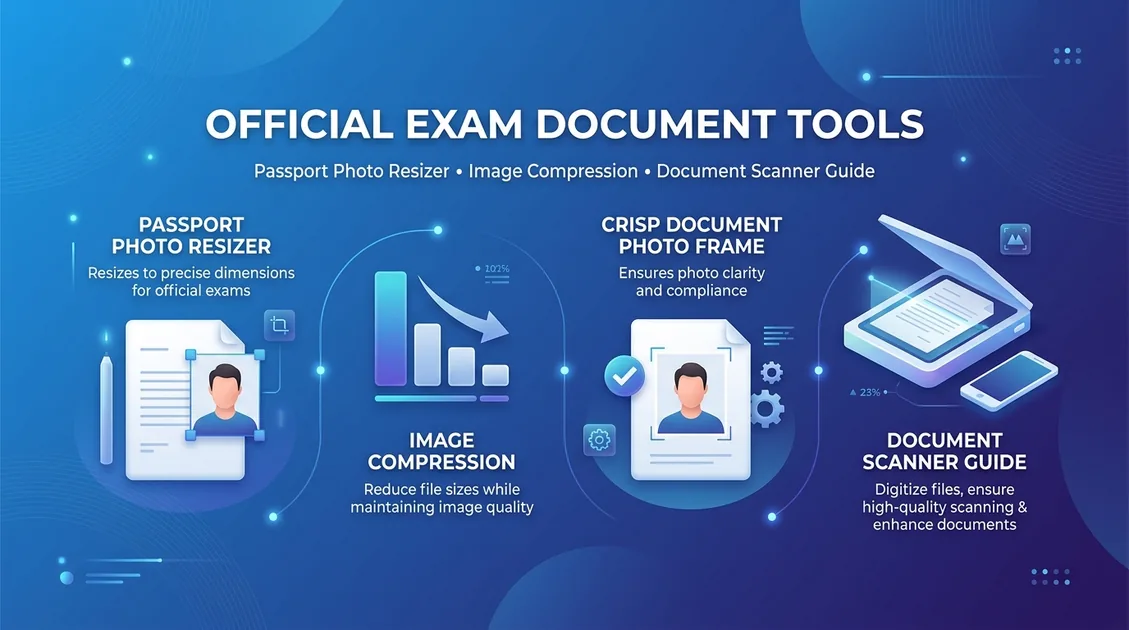
Use Tool Directly in Browser
Your files never leave your browser. 100% free, zero login required.
Every year, over 3 million teaching aspirants submit online applications for the Central Teacher Eligibility Test (CTET) conducted by the Central Board of Secondary Education (CBSE). During the final registration step, thousands of candidates find their submission blocked by strict automated image validation errors:
"Error: Uploaded photograph does not match mandated dimensions (3.5 cm x 4.5 cm) or file size exceeds allowed limits (10 KB to 100 KB). Please re-upload a compliant JPG/JPEG file."
Worse still, candidates who submit blurry scans, selfies with dark backgrounds, or signatures in capital letters face application rejection without refund, losing their opportunity to sit for CTET Paper 1 or Paper 2.
In this official handbook, we break down the exact CBSE CTET candidate image specifications, explain the common mistakes that trigger portal rejection, and demonstrate how to resize and compress your photo and signature to exact portal specifications in seconds using FileZenith CTET Photo & Signature Resizer.
1. Official CBSE CTET Photo & Signature Specifications#
The Central Board of Secondary Education publishes strict photographic criteria in the official CTET Information Bulletin. Both the photograph and signature scan must strictly comply with the following parameters:
A. Candidate Photograph Requirements
- File Format: Strictly JPG or JPEG (PNG, PDF, and HEIC files are rejected by the CTET server).
- File Size Limit: 10 KB (minimum) to 100 KB (maximum). CBSE recommends an ideal compressed size of 50 KB to 70 KB for high clarity.
- Physical Dimensions: 3.5 cm (width) × 4.5 cm (height).
- Pixel Resolution: Approximately 413 × 531 pixels at standard 300 DPI web rasterization.
- Background Color: Clear, plain white or light off-white background. Colored walls, patterns, or outdoor backgrounds are strictly prohibited.
- Face Coverage: The applicant's face must occupy 70% to 80% of the frame, showing both ears, eyes, and shoulders looking straight into the camera lens.
- Eyewear & Accessories: Caps, hats, tinted sunglasses, dark goggles, and heavy facial coverings are strictly disallowed. Regular prescription spectacles are permitted provided there is zero lens glare or flash reflection.
B. Candidate Signature Requirements
- File Format: Strictly JPG or JPEG.
- File Size Limit: 3 KB (minimum) to 30 KB (maximum).
- Physical Dimensions: 3.5 cm (width) × 1.5 cm (height).
- Pixel Resolution: Approximately 413 × 177 pixels.
- Ink & Paper: Must be signed with a black or dark blue ballpoint pen on clean white unruled paper. Fountain pens or gel pens that bleed into paper fiber should be avoided.
- Handwriting Style: The signature must be in running cursive handwriting. Signatures in ALL CAPITAL BLOCK LETTERS or initials only are permanently rejected.
2. Technical Comparison: CTET vs Other Central Exam Portals#
Different examination authorities enforce vastly different dimension constraints. Uploading an SSC or UPSC formatted picture to CTET will cause validation failure:
| Examination Board | Photo Dimensions (W × H) | Photo File Size (KB) | Signature Dimensions | Signature File Size (KB) |
|---|---|---|---|---|
| CBSE CTET (Teaching) | 3.5 cm × 4.5 cm | 10 KB – 100 KB | 3.5 cm × 1.5 cm | 3 KB – 30 KB |
| SSC (CGL / CHSL / GD) | Live Webcam Capture / 3.5×4.5 cm | 20 KB – 50 KB | 4.0 cm × 2.0 cm | 10 KB – 20 KB |
| UPSC (Civil Services / CDS) | 350 × 350 px (Square) | 20 KB – 300 KB | 350 × 350 px (Square) | 20 KB – 300 KB |
| NTA (JEE Main / CUET) | 3.5 cm × 4.5 cm (with Date) | 10 KB – 200 KB | 3.5 cm × 1.5 cm | 4 KB – 30 KB |
| IBPS & SBI PO (Banking) | 4.5 cm × 3.5 cm (200×230 px) | 20 KB – 50 KB | 140 × 60 px | 10 KB – 20 KB |
3. Four Costly Mistakes That Cause CTET Application Rejection#
Before submitting your CTET application form on ctet.nic.in, verify your files against these common errors:
- Signatures in ALL CAPITAL LETTERS: CBSE examiners treat all-caps signatures as non-compliant. Your signature must mirror your natural running handwriting on bank and school documents.
- Shadows on White Walls: Taking a photo against a white bedroom wall without proper lighting casts dark silhouettes behind your ears and shoulders. Use even daytime front lighting or remove the background with an AI Background Remover.
- Over-Compressing Below 10 KB or 3 KB: Many free online compression tools crush image files down to 2 KB or 5 KB, making text illegible and falling below CTET's 10 KB photo or 3 KB signature minimum threshold.
- Incorrect Aspect Ratio Distortion: Squeezing a horizontal smartphone selfie into a 3.5×4.5 cm portrait box stretches the face unnaturally. Always crop the image before resizing.
4. Step-by-Step Guide: How to Resize CTET Photo & Signature Online#
You do not need to pay a cyber cafe or install complex photo editing software. FileZenith provides pre-calibrated CTET cropping tools that execute 100% locally on your phone or PC:
Step 1: Open the CTET Resizer Tool
Navigate to the FileZenith CTET Photo & Signature Resizer. The canvas is pre-programmed with official CBSE dimension ratios.
Step 2: Upload Your Picture
Select your portrait photo or smartphone photo of your signature.
Step 3: Align the Interactive Crop Box
- For photographs, center your eyes, nose, and chin within the 80% face guide oval.
- For signatures, crop tightly around the pen strokes so there is no unnecessary blank margins on the sides.
Step 4: Adjust File Size (KB Target)
- Set the slider to 50 KB – 70 KB for photographs.
- Set the slider to 15 KB – 25 KB for signatures.
- FileZenith's bicubic downsampling engine optimizes the file size while preserving razor-sharp text and pen ink strokes.
Step 5: Download & Upload to CTET Portal
Click Download CTET Image. Your file will save as a compliant, web-optimized .jpg file ready for instant upload to the CTET portal without errors.
5. Security & Privacy: Why You Shouldn't Upload ID Scans to Cloud Converters#
When preparing for competitive exams, candidates frequently upload personal passport photos, signatures, Aadhaar numbers, and marks sheets to generic cloud converter websites.
The Privacy Risk:
- Traditional cloud converters upload your photo and signature to remote servers in foreign countries where files may be stored or scraped.
- Leaked signature scans can easily be misused for unauthorized document endorsements or identity theft.
The FileZenith Zero-Upload Guarantee:
- FileZenith executes 100% of image rendering, cropping, and compression locally in your browser RAM using HTML5 Canvas and WebAssembly.
- Your photos and signatures never travel over the internet, and zero data is saved to any remote database.
Frequently Asked Questions (FAQ)#
What is the exact photo size required for CTET 2026?
CBSE CTET mandates that candidate photographs must be in JPG or JPEG format, between 10 KB and 100 KB in file size, with physical dimensions of 3.5 cm in width and 4.5 cm in height (approx. 413 × 531 pixels).
What is the signature file size and dimension for CTET?
The candidate signature scan must be between 3 KB and 30 KB in file size, in JPG/JPEG format, with physical dimensions of 3.5 cm in width and 1.5 cm in height (approx. 413 × 177 pixels).
Can I sign in capital letters for the CTET form?
No. CBSE strictly prohibits signatures written in all capital letters. Your signature must be in your natural running cursive handwriting. Signatures in capital letters will lead to application cancellation.
Can I wear glasses or spectacles in my CTET photo?
Yes, regular prescription spectacles are allowed as long as your eyes are clearly visible and there is no camera flash reflection or glare on the lenses. Sunglasses, tinted glasses, or spectacles with thick decorative frames that obstruct the eyes are not allowed.
What should I do if my CTET photo is over 100 KB?
Open FileZenith CTET Photo Resizer, upload your photo, select the 10KB–100KB preset slider, and download the compressed image. The tool reduces file size instantly without blurring your facial features.
Explore Related FileZenith Tools
- 1. Official CBSE CTET Photo & Signature Specifications
- 2. Technical Comparison: CTET vs Other Central Exam Portals
- 3. Four Costly Mistakes That Cause CTET Application Rejection
- 4. Step-by-Step Guide: How to Resize CTET Photo & Signature Online
- 5. Security & Privacy: Why You Shouldn't Upload ID Scans to Cloud Converters
- Frequently Asked Questions (FAQ)