
How to Combine 10th & 12th Marksheets into a Single PDF Under 500KB (College & Govt Portal Guide)
Step-by-step guide to merge Class 10 and Class 12 marksheets and certificates into one crisp, legible PDF under 500KB or 200KB for DU, CUET, UPSC, SSC, and scholarship uploads.

Written by Aaradhya Pathak
Founder, Snab Innovations · Researched against official portal guidelines
Dimensions, file size rules, and accepted formats are verified against official portal notices. Tools on FileZenith process files directly inside your browser memory for complete privacy.
Use Tool Directly in Browser
Your files never leave your browser. 100% free, zero login required.
When applying for national entrance examinations, university admissions, or government recruitment drives in India, candidates inevitably encounter this strict upload requirement:
"Please upload your Class 10 (Secondary) and Class 12 (Higher Secondary) Marksheets & Passing Certificates as a single, combined PDF file. Total file size must not exceed 500 KB (or 200 KB)."
Attempting to submit separate files triggers an immediate form error. Even worse, scanning both certificates with standard smartphone scanner apps routinely produces bulky 4MB to 10MB PDF files that are rejected by automated portal validators.
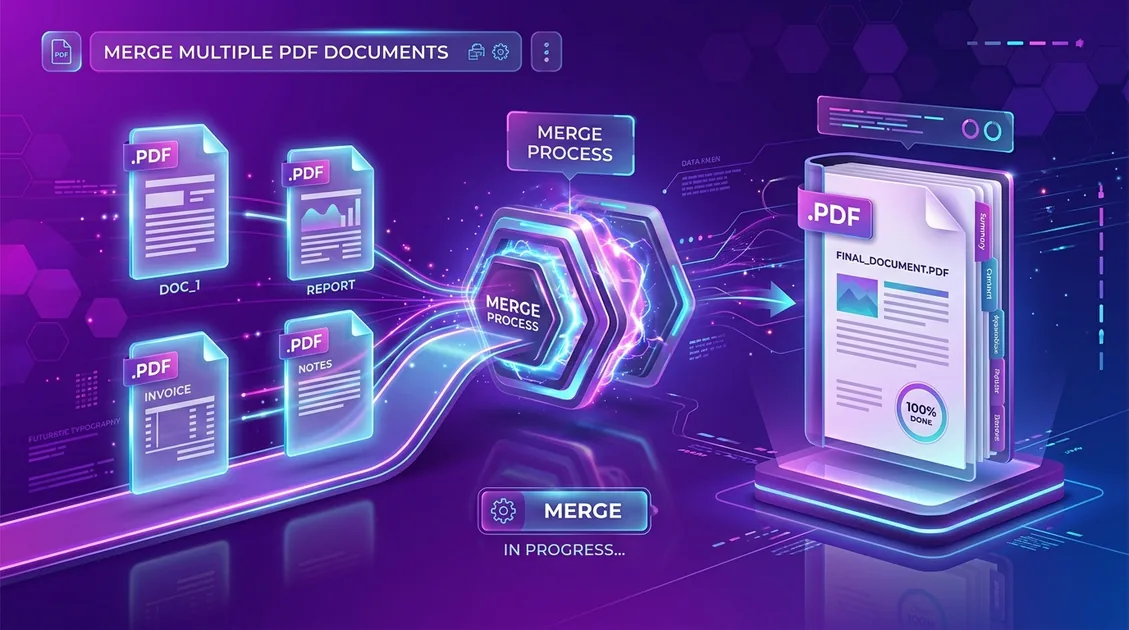
In this definitive handbook, we break down the exact file specifications across major Indian examination and admission boards, explain how to scan both documents for maximum legibility, and show you how to merge and compress them into a compliant, single PDF file under 500KB using FileZenith's Free Combine Marksheets Tool.
1. Official Portal Upload Rules: Why Single Combined PDFs Are Mandated#
Admission boards and public recruitment agencies process hundreds of thousands of applicants within narrow verification windows. Requiring a single unified file streamlines human document verification and prevents misplaced or disjointed academic records.
Here is an overview of popular portals and their active document constraints:
| Portal / Authority | Target File Format | Max File Size | Mandated Documents |
|---|---|---|---|
| UPSC OTR & Civil Services | Single PDF | 300 KB – 1 MB | 10th Certificate (Date of Birth Proof) + Degree |
| SSC (CGL, CHSL, MTS) | Single PDF | 200 KB – 500 KB | 10th & 12th Marksheets combined |
| NTA (CUET UG / PG, JEE JoSAA) | Single PDF | 50 KB – 300 KB | 10th & 12th Marksheets for counseling rounds |
| Delhi University (DU CSAS) | Single PDF | 500 KB | Class 10 & 12 Boards Consolidated Marks Card |
| National Scholarship Portal (NSP) | Single PDF | 200 KB | Previous year marksheet with institute endorsement |
| Corporate IT BGV (TCS, Infosys, Wipro) | Single PDF | 1 MB – 2 MB | All semester marksheets & 10th/12th certificates |
2. The 3 Costly Mistakes That Cause Application Rejection#
Scrutiny officers flag and reject thousands of applications during certificate verification due to simple scanning oversights:
- Blurry Roll Numbers & Board Seals: Over-compressing a file using low-quality cloud converters can smudge registration numbers, subjects, or school principal signatures, rendering the marksheet unreadable.
- Upside-Down or Sideways Pages: If your Class 10 certificate is in portrait orientation while your Class 12 marksheet is upside down or landscape, verification software may reject the document.
- Password-Protected DigiLocker Downloads: Official PDFs downloaded from DigiLocker or CBSE portals sometimes carry permission flags or password restrictions that prevent exam servers from reading the file contents. Always unlock or re-flatten the file prior to combining.
3. Step-by-Step Guide: How to Combine Marksheets Under 500KB#
You do not need Adobe Acrobat Pro or paid photo studio visits. You can combine and format both certificates directly on your phone or computer in under 60 seconds with zero cloud uploads:
Step 1: Scan Both Documents with Optimal Dimensions
- Place your physical marksheets on a flat surface under good, even natural lighting.
- Scan both pages in color at 150 DPI to 200 DPI. This yields razor-sharp micro-text while keeping raw image sizes under 1MB per page.
- Ensure all 4 borders, the official emblem, roll number, and subject table are clearly framed without corner clippings.
Step 2: Open FileZenith's Combine Marksheets Studio
- Navigate to the Combine Marksheets Online Tool.
- Click Upload Marksheets or drag and drop your Class 10 and Class 12 scans (supports PDF, JPG, PNG, and WebP formats).
Step 3: Arrange Proper Chronological Order
- Ensure Class 10 (Secondary School Examination) is positioned on Page 1. Portals prioritize Page 1 as primary proof of date of birth (DOB).
- Position Class 12 (Senior School Certificate Examination) on Page 2.
- Use the 1-click rotation button if any image was captured sideways.
Step 4: Select Target File Size (< 500KB or < 200KB)
- Choose your required output preset:
- Standard Portal Preset (under 500 KB): Ideal for DU CSAS, state universities, and corporate BGV verifications.
- Compact Preset (under 200 KB): Specially balanced for SSC, UPSC, and scholarship portals.
- The built-in WebAssembly engine uses bicubic downsampling to preserve typography and board security watermarks while discarding unnecessary digital overhead.
Step 5: Download & Verify Locally
- Click Merge & Download PDF.
- Your browser saves the consolidated document instantly. Open the downloaded PDF in your default PDF viewer and zoom in to 200% on the roll number and grades to confirm pristine clarity.
4. Privacy Advantage: Why You Should Never Upload Academic Marksheets to Cloud Converters#
Your 10th and 12th marksheets contain sensitive personal identifiers:
- Full legal name and parents' names.
- Permanent Date of Birth (DOB).
- Board registration numbers and roll codes.
- School name, examination center, and address details.
Traditional online PDF mergers upload your certificates to remote third-party web servers where files may linger indefinitely in temporary disk caches or become targets of data harvesting.
FileZenith works fundamentally differently:
- Our application utilizes 100% client-side WebAssembly (Wasm) and JavaScript Canvas.
- Your marksheets are merged and compressed exclusively inside your browser's private memory sandbox.
- Zero bytes are transmitted to any cloud server, ensuring full compliance with Indian data protection norms.
Frequently Asked Questions (FAQ)#
What order should marksheets be in when combining into one PDF?
Standard practice for almost all Indian competitive examinations and college admission forms is chronological: Class 10 Marksheet on Page 1 (as it serves as primary legal verification for Date of Birth), followed by Class 12 Marksheet on Page 2. If you have separate passing certificates, place the 10th marksheet on Page 1, 10th certificate on Page 2, 12th marksheet on Page 3, and 12th certificate on Page 4.
Can I combine JPG photos of marksheets directly into a single PDF?
Yes! FileZenith's Combine Marksheets Tool automatically accepts camera pictures in JPG, PNG, or WebP formats, aligns them to standard A4 dimensions, and compiles them into a single, professional PDF document.
How do I ensure my combined PDF is below 500KB without becoming blurry?
The key is to avoid extreme JPEG compression on pre-rendered documents. Scanning at 150 to 200 DPI produces an ideal balance between file weight and sharpness. FileZenith automatically applies intelligent vector text preservation and adaptive image resampling to keep your file under 500KB while keeping roll numbers and marks razor-sharp.
What if my marksheet is downloaded from DigiLocker?
DigiLocker marksheets are legally valid under Rule 9A of the Information Technology (Preservation and Retention of Information by Intermediaries Providing Digital Locker Facilities) Rules, 2016. If your downloaded DigiLocker PDF causes errors during upload, you can run it through FileZenith's Combine Marksheets or Merge PDF tool to flatten the document into a standard, universally readable PDF.
Is it safe to merge government certificates on FileZenith?
Yes, absolutely. FileZenith operates 100% locally on your device via client-side WebAssembly. Your marksheets, identity details, and marks are never transmitted over the internet or saved to remote databases.
Helpful Companion Tools#
- Combine Marksheets Online — Merge 10th & 12th certificates in 1 A4 PDF under 500KB.
- Compress PDF to 200KB — Reduce marksheet PDF size to meet tight portal constraints.
- Compress PDF to 100KB — Optimized compression for competitive exam uploads.
- Mask Aadhaar Card Offline — Blackout the first 8 digits of your Aadhaar card for safe KYC verification.
- Passport Size Photo Maker — Create compliant 3.5×4.5 cm photos with a white background.
Explore Related FileZenith Tools
- 1. Official Portal Upload Rules: Why Single Combined PDFs Are Mandated
- 2. The 3 Costly Mistakes That Cause Application Rejection
- 3. Step-by-Step Guide: How to Combine Marksheets Under 500KB
- 4. Privacy Advantage: Why You Should Never Upload Academic Marksheets to Cloud Converters
- Frequently Asked Questions (FAQ)
- Helpful Companion Tools