

How to Compress PDF to 100KB Online Free (Without Losing Quality or Text Blur for Govt Forms)
Step-by-step guide to compress PDF files to under 100KB online for free without losing readability or text sharpness. Perfect for UPSC, SSC, state portals, bank statements & job applications.
Reviewed by FileZenith Editorial Board
Fact-Checked for Official 2026-27 Notification Standards
Dimensions, file size rules, and accepted formats are verified against current SSC, UPSC, NTA, and State PSC guidelines. Zero-server guarantee: images and signatures are processed locally inside your web browser.
Use Tool Directly in Browser
Your files never leave your browser. 100% free, zero login required.
Have you ever spent hours filling out an online government job application, scholarship portal, or bank loan form, only to be stopped dead in your tracks by this infuriating error message?
"Uploaded file exceeds maximum permitted size. Document must be in PDF format and strictly less than 100 KB."
Whether you are applying for UPSC Civil Services, SSC CGL/CHSL, State PSCs, National Scholarship Portal (NSP), EPFO, or university admissions, almost every Indian and international recruitment portal enforces a rigid 100 KB ceiling on uploaded certificates, marks sheets, caste certificates, and identity proofs.
When you use generic online PDF compressors, they often butcher your file — turning official seals, government stamps, and roll numbers into an unreadable, blurry smudge that gets your application rejected during document verification (DV).
In this practical guide, we explain how to reduce your PDF file size to under 100 KB while keeping all text and signatures razor-sharp, the science of lossless document compression, and how to do it in seconds with FileZenith's free, 100% private in-browser engine.
Why Do Government Portals Insist on a 100KB Limit?#
You might wonder why modern government portals in 2026 still enforce such small file limits when high-speed broadband is everywhere:
- Massive Server Load: When 30 to 40 lakh candidates apply for exams like SSC or Railway NTPC simultaneously, storing 5MB files per applicant would require petabytes of high-availability cloud storage. A 100KB cap keeps database queries instantaneous and server infrastructure lean.
- Automated Document Screening: Modern verification portals use automated Optical Character Recognition (OCR) to read candidate roll numbers, names, and passing dates directly from the uploaded PDF. A standardized, compressed PDF processes in milliseconds without crashing the server.
The Danger of Traditional Online PDF Compressors#
Before you upload sensitive government certificates or financial payslips to random websites, consider the risks:
- Privacy Leaks: Caste certificates, income certificates, and Aadhaar-linked marks sheets contain your full name, father's name, permanent home address, caste category, and date of birth.
- Cloud Storage Retention: Most legacy converters store your uploaded PDFs on third-party remote servers where they may sit unencrypted in temporary buckets for days.
- Extreme Downsampling Blur: Generic tools simply downsample everything to low 72 DPI JPEG images, destroying fine text details like official gazetted officer stamps and signatures.
FileZenith solves this completely: our Compress PDF to 100KB tool runs 100% locally in your web browser memory using WebAssembly and Web Workers. Your files are never uploaded to any external server.
How Intelligent PDF Compression Works (Without Losing Readability)#
A PDF document is not just a flat image — it is a structured container holding text streams, embedded font sets, vector outlines, metadata headers, and bitmap images.
Here is how intelligent compression reduces file size from 2MB to under 100KB without quality loss:
| Optimization Layer | What Standard Tools Do | How FileZenith Optimizes It | Result on 100KB PDF |
|---|---|---|---|
| Text & Fonts | Re-encode text as blurry images | Retains native vector glyphs and subset fonts | 100% Crisp, zoomable vector text |
| Embedded Images | Heavy aggressive JPEG artifacting | Bicubic downsampling to 150 DPI sweet spot | Official seals and stamps remain clear |
| Metadata & Structure | Leave bloated XML metadata intact | Strips unused XML streams, duplicate fonts, and thumbnail caches | Instant 30% to 50% size reduction |
| Object Streams | Uncompressed dictionary trees | Compresses cross-reference tables and object streams | Ultra-compact file structure under 100KB |
Step-by-Step Guide: Compress PDF to Under 100KB in 3 Steps#
Follow these simple steps to prepare your documents for any recruitment or official portal:
Step 1: Upload Your PDF Document
Open the Compress PDF to 100KB tool. Drag and drop your scanned marks sheet, caste certificate, or income proof. Because processing happens in browser memory, your file loads instantly with zero upload waiting time.
Step 2: Target Size Selection
- The preset is automatically calibrated to Target: 100 KB (optimizing the output to approximately 85 KB to 95 KB, ensuring it comfortably clears the portal ceiling).
- Need a different ceiling? You can toggle preset pills for 50 KB, 75 KB, or 150 KB with one click.
Step 3: Download Your Optimized PDF
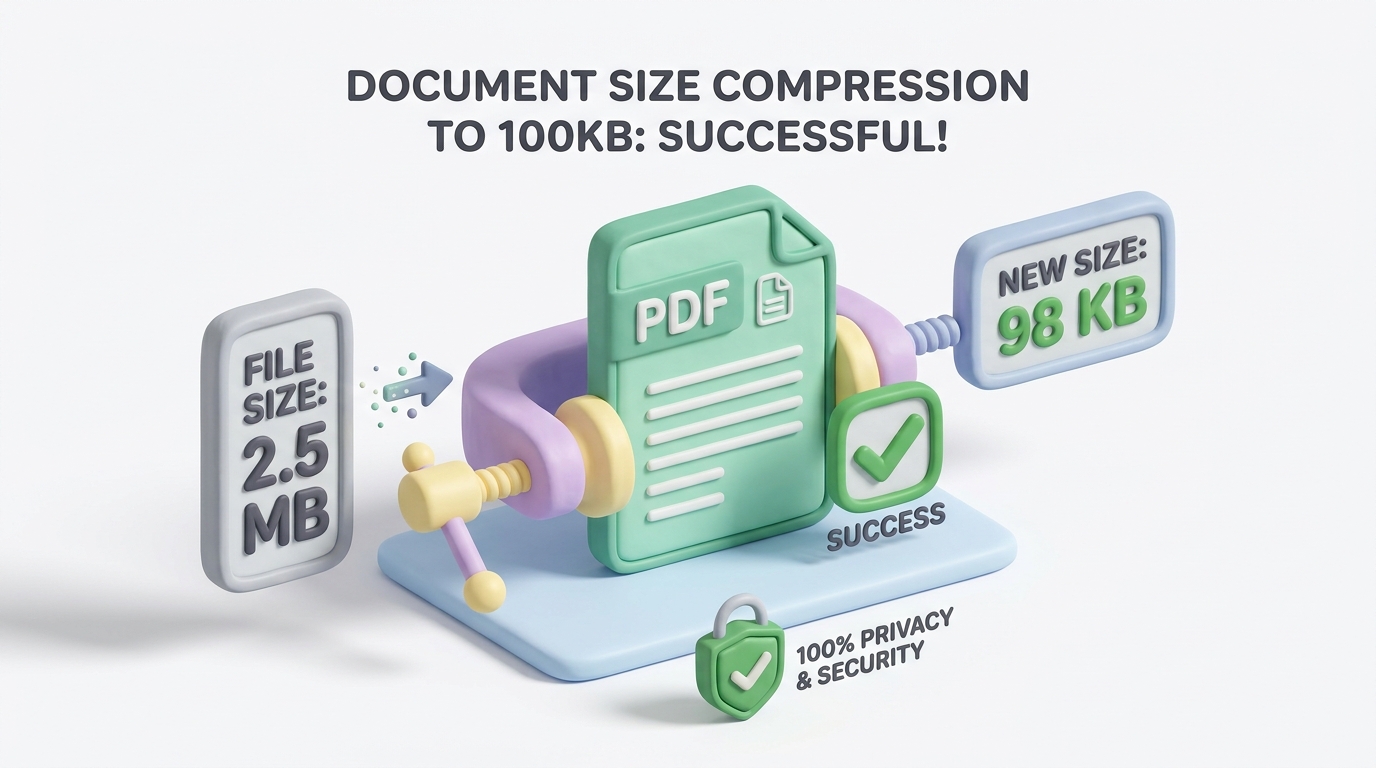
Click Compress & Download. The engine executes multi-pass stream optimization in fractions of a second. Check the live comparison display showing your original size (e.g. 2.4 MB) versus the compressed result (e.g. 92.4 KB) with an estimated 96% size reduction!
4 Pro Tips for Scanning Certificates Under 100KB#
If you are scanning physical paper certificates with a smartphone scanner app (like Adobe Scan, Microsoft Lens, or CamScanner), keep these golden rules in mind:
- Use Grayscale or Document Mode: Scanning in 24-bit True Color quadruples the raw file size. For black-and-white marks sheets and legal certificates, selecting Document / Grayscale Mode cuts baseline file size by 65% before compression.
- Crop Excess Background Margins: Remove wooden table edges, bedsheets, or extra shadows around the paper certificate. Extraneous pixels add unnecessary kilobyte overhead.
- The 150 DPI Sweet Spot: 300 DPI is only necessary for physical commercial printing. For digital screen verification and government uploads, 150 DPI offers the perfect balance of pin-sharp text clarity and compact file size.
- Avoid Multiple Scans in One File: Government portals usually require each document (Class 10 marksheet, degree certificate, caste certificate) as separate 1-page PDF files under 100KB. Ensure you only scan the single required page.
Frequently Asked Questions (FAQ)#
Can I compress a PDF to exactly 100KB without losing readability?
Yes. By using smart object stream compression and retaining vector text glyphs while downsampling embedded images to 150 DPI, your text remains crisp, legible, and zoomable even under 100KB.
Will the compressed 100KB PDF pass government portal verification?
Yes. FileZenith preserves document standard ISO compliance, font glyphs, and digital signature headers so that automated OCR scanners on UPSC, SSC, and state portals verify the document without error.
Is it safe to compress confidential bank statements or ID proofs here?
Yes, 100%. FileZenith processes all files locally inside your browser memory using WebAssembly. Your documents are never sent across the internet or stored on any server.
What if my original PDF is over 10MB?
Our tool easily handles high-resolution scans up to 50MB and compresses them through progressive compression passes to reach your desired target size under 100KB.
What is the difference between 100KB and 200KB PDF compression?
Some portals (like EPFO and specific State PSCs) allow up to 200KB, whereas UPSC, SSC, and scholarship portals strictly mandate under 100KB. You can use our Compress PDF to 100KB or Compress PDF to 200KB depending on your portal requirements.
Explore Related FileZenith Tools
- Why Do Government Portals Insist on a 100KB Limit?
- The Danger of Traditional Online PDF Compressors
- How Intelligent PDF Compression Works (Without Losing Readability)
- Step-by-Step Guide: Compress PDF to Under 100KB in 3 Steps
- 4 Pro Tips for Scanning Certificates Under 100KB
- Frequently Asked Questions (FAQ)