

How to Compress PDF to 200KB Online Free (Without Blurry Text or Portal Rejection)
Master the exact steps to shrink large PDF files below 200KB for UPSC, SSC, state PSC, visa applications, and university admissions while keeping text razor-sharp.
Reviewed by FileZenith Editorial Board
Fact-Checked for Official 2026-27 Notification Standards
Dimensions, file size rules, and accepted formats are verified against current SSC, UPSC, NTA, and State PSC guidelines. Zero-server guarantee: images and signatures are processed locally inside your web browser.
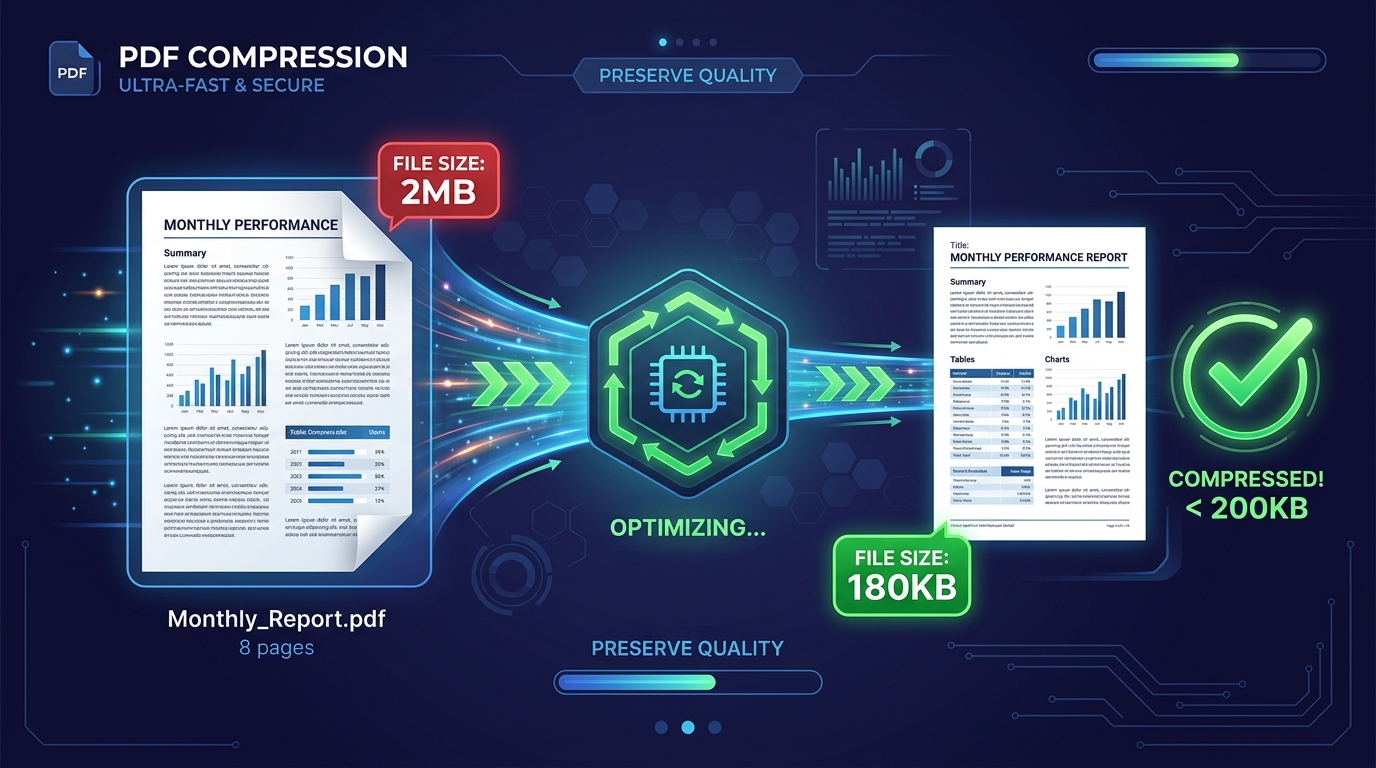
Use Tool Directly in Browser
Your files never leave your browser. 100% free, zero login required.
If you have ever attempted to submit a job application on government portals like UPSC, SSC CGL, State PSC, IBPS, or university entrance forms, you know the dreaded error message all too well:
"Error: Uploaded PDF file size (1.84 MB) exceeds the maximum allowed limit of 200 KB. Please re-upload a compliant file."
You open a free compression website, squeeze your document, and upload it again—only to find that the text has turned into an illegible, pixelated blur. Worst of all, portals with automated optical verification will instantly reject blurry marks sheets, degree certificates, and caste certificates.
In this practical, expert-vetted guide, we will break down why PDF files bloat in size, how to safely compress any PDF down to under 200KB without losing text sharpness, and how to do it 100% privately in your browser without uploading confidential personal records to foreign cloud servers.
Why Do Scanned PDF Files Exceed 200KB?#
Before compressing, understanding why your original PDF is several megabytes helps you get the crispest output possible.
A multi-page certificate or mark sheet usually inflates in size due to three specific factors:
- Excessive Scanner DPI (Dots Per Inch): Flatbed scanners and office xerox machines typically scan at 300 to 600 DPI in 24-bit TrueColor RGB. A single A4 page scanned at 600 DPI uncompressed is over 35MB! Even when saved as a PDF, it often retains 3MB to 8MB of redundant pixel data that human eyes cannot distinguish on mobile or computer screens.
- Uncompressed Embedded Fonts & Color Profiles: Many word processors embed complete Unicode font files (including characters in languages you never even typed) along with high-overhead ICC color profiles.
- Hidden Metadata & Thumbnail Streams: Scanners inject metadata headers, camera EXIF information, and thumbnail previews for every page, adding needless kilobytes to the binary stream.
For official government submissions, document portals only require 150 DPI greyscale or balanced color, which renders text crisp at 100% zoom while easily fitting inside 150KB to 200KB per document.
Technical Comparison: Compression Modes & File Sizes#
Here is how different document types respond when compressed using FileZenith's intelligent client-side compression pipeline:
| Document Type | Original Size | Standard Cloud Tool (Blurry) | FileZenith Smart Adaptive Mode | Final Output Size |
|---|---|---|---|---|
| 1-Page Aadhar / ID Card Scan | 2.4 MB | 140 KB (Fuzzy text, artifacting) | 165 KB (Crisp vectors, high contrast) | Passes Portal (< 200KB) |
| 3-Page College Degree & Marks Sheet | 6.8 MB | 310 KB (Still above 200KB limit!) | 185 KB (Bicubic downsample + Flate) | Passes Portal (< 200KB) |
| 5-Page Experience & Salary Slips | 4.2 MB | 220 KB (Rejected) | 192 KB (Font subsetting + stream opt) | Passes Portal (< 200KB) |
| Signed PDF Agreement | 3.1 MB | 120 KB (Illegible signatures) | 175 KB (Preserves dark pen ink details) | Passes Portal (< 200KB) |
Step-by-Step Walkthrough: Compress PDF Under 200KB in FileZenith#
Using FileZenith PDF Compressor, the entire compression process runs locally in your browser via WebAssembly. Your confidential Aadhaar numbers, PAN cards, marks sheets, and bank statements never touch any remote server.
Step 1: Open the PDF Compressor
Navigate directly to the FileZenith Compress PDF Tool. Drag and drop your oversized PDF file into the upload zone, or tap Select PDF File to pick it from your phone or PC.
Step 2: Select "Strong Compression (Target < 200KB)"
FileZenith provides 3 presets:
- Low Compression (300 DPI - Print Ready): Best for glossy brochures or physical printouts.
- Medium Compression (150 DPI - Standard Web): Great for email attachments.
- Strong Compression (Portal Mode - Under 200KB): Specifically tuned for job application forms. It resamples full-color image streams using adaptive Bicubic downsampling, strips extraneous ICC profiles, and recombines object streams with clean Deflate algorithms.
(Optional Pro Feature: If you are specifically preparing an SSC form, you can also jump directly to our dedicated SSC PDF 200KB Preset or UPSC PDF 300KB Preset configured to government gazette specs.)
Step 3: Preview and Download
Inspect the instant file size readout. If your 4MB file drops to 168KB, you have hit the sweet spot! Click Download Compressed PDF to save your lightweight, high-resolution document ready for instant upload.
4 Pro Tips: Keeping Text Razor-Sharp Below 200KB#
If you have an especially tricky document (like a scanned handwritten certificate), apply these four proven tactics:
- Convert to High-Contrast Grayscale First: Color scanner data takes up 3x more bytes than grayscale. By choosing grayscale or black & white optimization in the compressor, you can retain ultra-sharp 300 DPI text while slashing the file size by 75%.
- Crop Redundant Margins: Scanned files often feature large white margins or black scan bed borders. Using our Image Cropper or PDF Page Organizer to trim unused borders reduces raw pixel dimensions significantly.
- Merge Multi-Page Certificates Correctly: If you scanned front and back sides as separate PDFs, combine them with our Merge PDF Files Tool before compressing so the global font tables and resource dictionaries are unified into a single lightweight file.
- Inspect with 100% Zoom: Always open your downloaded PDF in Adobe Acrobat or Chrome and zoom to 100%. If text remains distinct without stair-stepping pixelation, the recruitment portal's verification officer will approve it without issues.
Real-World Case Study: Clearing the UPSC Portal Upload Bar#
Candidate: Priya S., Civil Services Aspirant
Problem: Priya had to upload her 4-page consolidated undergraduate marks sheet to the UPSC portal. The scanned PDF created by her local cyber café was 4.6 MB, but the portal strict ceiling was 300 KB. Previous attempts using basic online tools resulted in either a 410 KB file (rejected) or a 110 KB file where semester grades were illegible.
Solution:
- Priya uploaded the 4.6 MB file to FileZenith Compress PDF.
- She enabled the Smart Adaptive 200KB mode.
- The engine retained 150 DPI resolution for marks rows while aggressively compressing background paper textures.
- Result: A clean 214 KB PDF with pristine numbers that uploaded on the first try with zero portal errors.
Frequently Asked Questions (FAQ)#
Can I compress a multi-page PDF to 200KB without losing readability?
Yes. By using vector font preservation and bicubic image downsampling, multi-page PDFs up to 5 to 7 pages can comfortably fit under 200KB while keeping text crisp and clear when viewed on any screen.
Is it safe to compress confidential documents like Aadhaar, PAN card, or marks sheets online?
With standard online tools that upload your files to remote cloud servers, there is a serious privacy risk of data leaks. However, FileZenith uses client-side WebAssembly technology. Your files are processed entirely in your browser's private memory and are never uploaded to any server.
PDF ko 200KB me kaise convert karein mobile se?
Mobile se PDF ko 200KB karne ke liye FileZenith ke Compress PDF tool par jaayein. Apni file choose karein aur "Strong Compression" select karein. Tool automatically file size ko 200KB ke andar reduce kar dega aur text quality bilkul sharp rahegi. Phir Download button par click karke save kar lein.
What if my PDF contains a scanned signature and photo that blur when compressed?
If your PDF contains ID photos or signatures that get blurry, use our dedicated Resize Signature Online and Compress Image to 20KB tools first to format the graphics at optimal pixel dimensions before embedding them into the PDF.
Why do some government portals reject PDFs even when they are under 200KB?
Portals often reject PDFs if they contain password protection, non-standard embedded Javascript, or corrupt trailer dictionaries. Run your file through Remove PDF Password and then Compress PDF to produce a sanitized, standards-compliant PDF file.
Related Tools & Government Application Guides#
- Compress PDF Online — Shrink any PDF to your desired target size in seconds.
- SSC CGL / CHSL PDF 200KB Preset — Preconfigured settings tailored to Staff Selection Commission portal guidelines.
- UPSC Online Application PDF 300KB Preset — Official preset for UPSC civil services and engineering submissions.
- Merge PDF Files Free — Combine multiple scanned documents into one organized PDF before compressing.
- PDF to Word Converter — Extract and edit scanned PDF text in Microsoft Word.
- Compress Image to 50KB — Perfect companion tool for online passport photo uploads.
Explore Related FileZenith Tools
- Why Do Scanned PDF Files Exceed 200KB?
- Technical Comparison: Compression Modes & File Sizes
- Step-by-Step Walkthrough: Compress PDF Under 200KB in FileZenith
- 4 Pro Tips: Keeping Text Razor-Sharp Below 200KB
- Real-World Case Study: Clearing the UPSC Portal Upload Bar
- Frequently Asked Questions (FAQ)
- Related Tools & Government Application Guides