
How to Mask Aadhaar Card Online & Offline: Protect Your Identity and Hide First 8 Digits for Safe KYC
Comprehensive guide to masking your 12-digit Aadhaar card number (XXXX-XXXX-1234) offline for hotel check-ins, job KYC, and SIM verifications in full compliance with UIDAI and RBI rules.

Written by Aaradhya Pathak
Founder, Snab Innovations · Researched against official portal guidelines
Dimensions, file size rules, and accepted formats are verified against official portal notices. Tools on FileZenith process files directly inside your browser memory for complete privacy.
Use Tool Directly in Browser
Your files never leave your browser. 100% free, zero login required.
The Unique Identification Authority of India (UIDAI) and the Reserve Bank of India (RBI) have repeatedly issued strong public advisories warning citizens against sharing photocopies or unmasked digital copies of their regular Aadhaar cards with unauthorized entities.
Every month, thousands of Indian citizens become victims of unauthorized loan dispersals, fraudulent SIM card registrations, and identity impersonation simply because they handed over an unmasked Aadhaar photocopy to a hotel front desk, travel agency, gym, or unverified job portal.
To protect personal privacy, the law officially mandates the use of Masked Aadhaar.
In this comprehensive guide, we explain the legal backing behind Masked Aadhaar, why service providers cannot reject it, and how you can black out the first 8 digits of your Aadhaar card in under 10 seconds without paying a cyber cafe or uploading sensitive identity documents to the cloud.
1. What Is a Masked Aadhaar Card?#
A Masked Aadhaar card replaces the first 8 digits of your 12-digit Aadhaar number with cross characters (XXXX-XXXX), leaving only the last 4 digits visible (for example: XXXX-XXXX-8921).
What Remains Visible on a Compliant Masked Aadhaar?
- Your legal full name.
- Your photograph.
- Your date of birth (or year of birth) and gender.
- Your permanent residential address.
- The digitally signed UIDAI verification QR code.
- The last 4 digits of your Aadhaar number.
This configuration fulfills all legitimate identity and address verification requirements while guaranteeing that unauthorized third parties cannot use your 12-digit biometric identifier to harvest personal data.
2. Official UIDAI & RBI Rules on Aadhaar Photocopies#
Under Section 29(4) of the Aadhaar (Targeted Delivery of Financial and Other Subsidies, Benefits and Services) Act, 2016, publishing or displaying an individual's full core biometric information or Aadhaar number without statutory authorization is strictly prohibited.
Furthermore:
- Reserve Bank of India (RBI) Master Direction on KYC (Section 16): Regulated financial institutions (banks, NBFCs, fintech apps) are instructed that if a customer provides an Aadhaar card for KYC offline, the first 8 digits must be masked or redacted.
- Hotels, Guest Houses & Security Checkpoints: UIDAI has clarified that private commercial establishments do not hold an Aadhaar authentication license and have no legal authority to collect or store unmasked 12-digit Aadhaar numbers. Providing a Masked Aadhaar card is 100% legally sufficient.
3. Comparison: Regular Aadhaar vs Masked Aadhaar#
| Feature | Regular Aadhaar | Masked Aadhaar |
|---|---|---|
| Number Format | 1234 5678 9012 (Full 12 digits visible) | XXXX XXXX 9012 (First 8 digits hidden) |
| Legal Validity for KYC | Fully valid (Regulated agencies only) | 100% legally valid across all of India |
| Accepted by Hotels & Car Rentals | Often demanded, but unsafe | Mandated by UIDAI safety advisories |
| Risk of Identity Theft & Loan Fraud | High (If shared with unauthorized vendors) | Near Zero (Last 4 digits cannot be abused) |
| QR Code Verification | Present | Present and fully scan-verifiable |
| UIDAI Recommendation | Reserve for direct govt welfare schemes | Recommended for all daily commercial use |
4. How to Mask Your Aadhaar Card in 10 Seconds (100% Offline)#
Most people assume they have to download an entirely new e-Aadhaar from the official UIDAI portal (myaadhaar.uidai.gov.in) by completing an OTP verification cycle. While that works, if you already have your scanned e-Aadhaar PDF or image on your phone, you can mask it instantly using FileZenith.
Step 1: Open FileZenith Mask Aadhaar Studio
- Visit FileZenith Mask Aadhaar Card Tool.
- The tool runs entirely in your local browser sandbox via HTML5 Canvas and WebAssembly. No files ever leave your device.
Step 2: Upload Your Scanned Aadhaar (PDF, JPG, or PNG)
- Drag and drop your downloaded e-Aadhaar card or photograph.
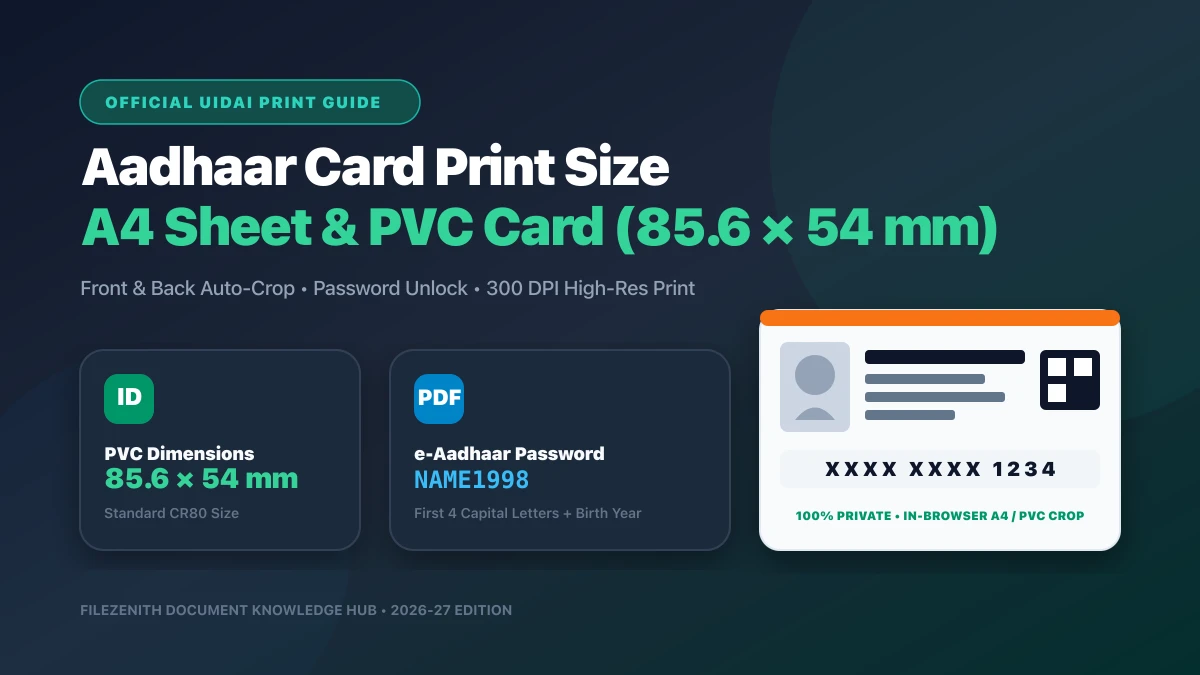
- If your e-Aadhaar PDF is password-protected, the standard default password is the first 4 letters of your name in CAPITAL letters followed by your birth year (e.g.,
ANIT1994).
Step 3: Apply the Privacy Mask
- Click Auto-Detect Aadhaar Bar or manually position the high-precision blackout redactor over the first 8 digits (
XXXX-XXXX). - You can also optionally mask the Virtual ID (VID) bar if present.
Step 4: Download Your Compliant Masked Copy
- Click Export Masked Aadhaar.
- The software permanently burns the blacked-out pixels into the visual canvas, ensuring nobody can remove or inspect the layer beneath.
- Save the PDF or print a PVC card copy using our Aadhaar Card Print Tool.
5. Critical Warning: Beware of Fake Cyber Cafes and Cloud Converter Websites#
When preparing identity documents for exams or KYC, many individuals visit local photocopy shops or upload their Aadhaar card to random online "Free PDF Converters."
Why this is dangerous:
- Local Cyber Cafe Desktop Folders: Photocopy operators frequently keep a folder on their desktop called "Aadhaar Scans" containing thousands of customer identity cards. These folders are routinely shared or sold to rogue telecallers.
- Third-Party Cloud Converters: Generic web converters upload your PDF to cloud servers where files are processed on remote machines. If their cloud buckets are misconfigured, your sensitive personal identity information can leak onto search engines.
The FileZenith Zero-Upload Guarantee:
- FileZenith was engineered specifically around zero server transmission.
- Open your browser's Developer Tools (Network tab) while masking your Aadhaar: you will observe 0 KB of document payload sent over the internet.
- Your Aadhaar card never touches a remote server, guaranteeing absolute peace of mind.
Frequently Asked Questions (FAQ)#
Is a Masked Aadhaar card legally valid everywhere in India?
Yes. Under UIDAI notifications and the Aadhaar Act, 2016, a Masked Aadhaar card carries the exact same legal validity as a regular Aadhaar card for offline identity and address verification. Government departments, banks, telecom operators, hotels, airports, and private employers are legally mandated to accept Masked Aadhaar.
Can hotels refuse check-in if I provide a Masked Aadhaar card?
No. UIDAI has explicitly clarified that hotels and commercial establishments have no legal entitlement to collect full 12-digit Aadhaar numbers. A Masked Aadhaar displaying your name, photograph, address, and the last 4 digits satisfies all requirements under the Innkeeper and Local Police verification guidelines.
How do officials verify a Masked Aadhaar if 8 digits are hidden?
Any verifier can scan the printed secure QR code on the Masked Aadhaar using the official mAadhaar app or UIDAI QR Code Reader. The QR code is digitally signed with UIDAI’s cryptographic certificate and instantly reveals the holder's photograph, legal name, and demographic details without needing to expose the complete 12-digit number.
Can someone remove the black mark on a redacted PDF?
Not if it is properly flattened. Unlike basic drawing tools that merely add an invisible top annotation layer, FileZenith's Mask Aadhaar Card Tool renders the document through a rasterized canvas pipeline. The pixels underneath the blackout bar are permanently destroyed and replaced with solid black pixels, making it cryptographically impossible for anyone to recover the hidden numbers.
What is the password to open my downloaded e-Aadhaar PDF?
The universal password for UIDAI e-Aadhaar PDFs is an 8-character code: the first 4 letters of your name in UPPERCASE followed by your 4-digit Year of Birth (YYYY). For example, if your name is Suresh Kumar born in 1998, your password is SURE1998.
Related Security & Document Tools#
- Mask Aadhaar Card Online (Offline Engine) — Black out the first 8 digits of Aadhaar instantly.
- Redact PDF (Permanent Blackout) — Zero-leak permanent redaction tool for sensitive documents.
- Aadhaar Card Print Tool — Crop and format e-Aadhaar for standard A4 and PVC print dimensions.
- Password Protect PDF — Encrypt confidential contracts and financial statements.
- PDF & EXIF Metadata Remover — Strip hidden GPS and author metadata before sharing files.
Explore Related FileZenith Tools
- 1. What Is a Masked Aadhaar Card?
- 2. Official UIDAI & RBI Rules on Aadhaar Photocopies
- 3. Comparison: Regular Aadhaar vs Masked Aadhaar
- 4. How to Mask Your Aadhaar Card in 10 Seconds (100% Offline)
- 5. Critical Warning: Beware of Fake Cyber Cafes and Cloud Converter Websites
- Frequently Asked Questions (FAQ)
- Related Security & Document Tools