

IBPS & SBI PO / Clerk Photo, Signature & Thumb Size 2026-2027: Declaration Format & Resizer Guide
Official 2026-2027 specifications for IBPS & SBI PO/Clerk: Photo (20-50KB), Signature (10-20KB), Left Thumb Impression (10-20KB), and Handwritten Declaration (50-100KB) with free instant resizer.
Reviewed by FileZenith Editorial Board
Fact-Checked for Official 2026-27 Notification Standards
Dimensions, file size rules, and accepted formats are verified against current SSC, UPSC, NTA, and State PSC guidelines. Zero-server guarantee: images and signatures are processed locally inside your web browser.
Use Tool Directly in Browser
Your files never leave your browser. 100% free, zero login required.
Every year, over 25 to 30 lakh banking aspirants apply for prestigious public sector bank examinations conducted by the Institute of Banking Personnel Selection (IBPS) and the State Bank of India (SBI) — including IBPS PO, IBPS Clerk, IBPS RRB (Scale I & Office Assistant), SBI PO, and SBI Clerk.
Yet, despite rigorous preparation in Quantitative Aptitude and Reasoning, thousands of candidates receive heartbreaking rejection notices or face disqualification at the document verification (DV) desk due to a single preventable error: uploading non-compliant photographs, invalid block-letter signatures, blurry thumb impressions, or incorrectly worded handwritten declarations.
With IBPS and SBI deploying automated image scanning algorithms that immediately reject files exceeding prescribed byte limits or failing facial dimension bounds, following exact specifications is critical.
In this master reference guide, we unpack the official 2026–2027 IBPS & SBI document specifications, provide the exact handwritten declaration text, detail the rules for Left Thumb Impressions (LTI), and demonstrate how to format your files in seconds using FileZenith's free, 100% private in-browser tool.
Quick Reference Table: Official IBPS & SBI Document Specifications (2026-2027)#
Keep this summary table bookmarked before filling out your online registration on the official portals (ibps.in or sbi.co.in/careers):
| Document Type | Pixel Dimensions | Physical Size (cm) | File Size Range | File Format | Background / Ink Colour Rules |
|---|---|---|---|---|---|
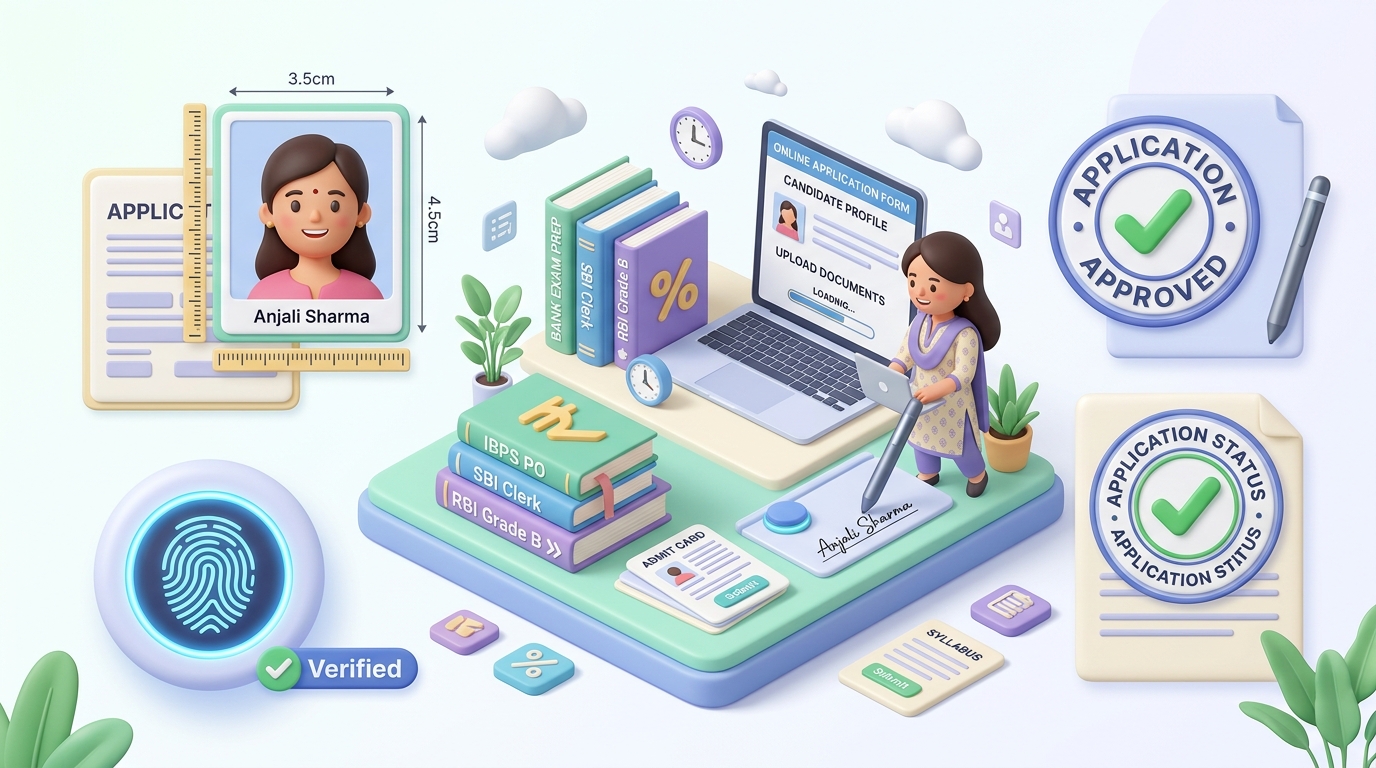
| Passport Photograph | 200 x 230 pixels | 3.5 cm x 4.5 cm | 20 KB to 50 KB | JPG / JPEG | Light or pure white background; 80% face view |
| Applicant Signature | 140 x 60 pixels | 3.5 cm x 1.5 cm | 10 KB to 20 KB | JPG / JPEG | Black ink pen only on white paper; NO capital letters |
| Left Thumb Impression (LTI) | 240 x 240 pixels | 3.0 cm x 3.0 cm | 10 KB to 20 KB (Up to 50KB for SBI) | JPG / JPEG | Blue or Black ink stamp pad; clear ridge lines |
| Handwritten Declaration | 800 x 400 pixels | 10 cm x 5 cm | 50 KB to 100 KB | JPG / JPEG | Black ink pen only; candidate's own natural handwriting |
⚠️ Critical Alert: Both IBPS and SBI strictly prohibit digital signatures in CAPITAL / BLOCK LETTERS. Signatures written entirely in UPPERCASE letters will result in summary rejection of your application without any refund of the application fee.
Exact Wording for IBPS & SBI Handwritten Declaration (2026-2027)#
The handwritten declaration is one of the most strictly audited uploads in banking forms. It must be written by the candidate in their own handwriting on clean white A4 paper using a black ink pen only. Writing in blue ink or typing the text is strictly disallowed.
Official Declaration Text:
"I, ________________ (Name of the candidate), hereby declare that all the information submitted by me in the application form is correct, true and valid. I will present the supporting documents as and when required."
Crucial Declaration Rules:
- Language: Must be written in English only. Declarations written in Hindi or regional languages are treated as invalid.
- Capital Letters Prohibited: The declaration must NOT be written in ALL CAPITAL LETTERS. Use natural sentence case (capitalizing only the letter "I" and the first letter of your name).
- No Third-Party Writing: If at any stage during Document Verification (DV) or joining, the handwriting does not match your handwriting sample collected during the preliminary and mains exams, your candidature will be cancelled and criminal proceedings may be initiated.
Left Thumb Impression (LTI): Guidelines & Exceptions#
Banking exams require biometric verification during the exam hall entry and interview stages. Your uploaded digital thumb impression serves as the baseline biometric imprint:
- Stamp Pad: Use a clean, freshly inked blue or black ink stamp pad. Avoid excess ink that smudges the ridge patterns.
- Paper: Use crisp white unlined bond paper.
- Scan Clarity: Ensure the fingerprint lines (whorls and loops) are clearly distinguishable without blur.
What if the Left Thumb is Injured or Missing?
Official IBPS and SBI notifications provide clear accommodations if a candidate does not have a left thumb:
- Right Thumb: You may use your Right Thumb impression.
- Other Fingers: If both thumbs are unavailable, use the index finger of the left hand, moving through the remaining fingers.
- No Fingers: If no fingers are available, the impression of the left toe may be uploaded.
- Mandatory Declaration: In all such exception cases, mention clearly on the document sheet which digit's impression has been affixed (e.g., "Right Thumb Impression affixed due to injury on left hand").
How to Prepare and Resize Your Bank Exam Photo & Signature in 3 Steps#
Instead of paying ₹50 to ₹100 per form at a cyber cafe or risking your personal photos on shady third-party servers, use FileZenith's dedicated IBPS & SBI Photo Resizer:
Step 1: Upload Your Image
Open the IBPS Photo Resizer or SBI PO Photo Resizer. Drag and drop your passport photo, scanned signature, or thumb impression. Your files are processed 100% locally in your web browser using HTML5 Canvas and WebAssembly. No photos are ever uploaded to any cloud server.
Step 2: Choose Calibrated Preset
Select the target document type:
- IBPS Photo (20-50 KB, 200x230 px)
- IBPS Signature (10-20 KB, 140x60 px)
- IBPS Left Thumb Impression (10-20 KB, 240x240 px)
- IBPS Handwritten Declaration (50-100 KB, 800x400 px)
Use the visual crop box to frame your head and shoulders correctly, maintaining the required 70% to 80% facial occupancy.
Step 3: Instant Download
Click Process & Download. FileZenith automatically renders the image at exact pixel dimensions and optimizes JPEG compression headers to guarantee the file size falls precisely within the legal window (e.g., 34.2 KB for photo or 14.8 KB for signature). Upload it straight to the IBPS/SBI application portal with zero rejection warnings.
Top 5 Reasons IBPS & SBI Photos Get Rejected (Avoid These Mistakes!)#
- Selfies or Casual Mobile Photos: Selfies taken at dynamic angles or with filtered portrait blur are instantly detected and flagged. Only front-facing, neutral-expression studio photos are accepted.
- Dark Sunglasses & Flash Reflections on Spectacles: If you wear prescription glasses, ensure there is zero flash glare obscuring your pupils. Tinted glasses and sunglasses are completely barred.
- Caps, Hats, or Heavy Shadows: Religious head coverings (such as turbans or hijabs) are permitted, provided the full face from the bottom of the chin to the top of the forehead and both cheeks remain completely visible.
- File Size Below Minimum Floor: Uploading a photo of 18 KB when the requirement is 20 KB–50 KB will trigger an automated upload error on the portal: "Specified file size is less than 20 KB".
- Old or Unrecognizable Photograph: The photograph must have been captured within the last 3 months. Uploading school-era or decade-old photos can cause detention at the biometric frisking gate on exam day.
Frequently Asked Questions (FAQ)#
Can I use blue ink for the IBPS signature?
No. Official IBPS and SBI notifications explicitly state that signatures must be done in black ink pen only on white paper. Blue ink signatures can result in form rejection or portal validation flags.
What is the exact size required for SBI PO photograph and signature?
For SBI PO 2026-2027, the photograph must be between 20 KB and 50 KB (dimensions: 200 x 230 pixels), and the signature must be between 10 KB and 20 KB (dimensions: 140 x 60 pixels) in JPG/JPEG format.
Is the handwritten declaration required for both IBPS PO and IBPS Clerk?
Yes. Both IBPS PO (Probationary Officers) and IBPS Clerk (Customer Service Associates), as well as IBPS RRB Officer Scale I and Office Assistant, mandate uploading a handwritten declaration between 50 KB and 100 KB.
Can I write the IBPS declaration in capital letters?
No. The declaration must NOT be written in capital letters. It must be written in normal cursive or sentence-case handwriting. Declarations in capital letters will be rejected.
Can I take a photo of my signature from a smartphone?
Yes, you can snap a clean, well-lit photo of your signature using a smartphone. However, make sure there are no shadows on the paper, crop out the extra borders, and run it through our IBPS Photo Resizer to convert it to exact 140x60 pixels and 10-20 KB.
Explore Related FileZenith Tools
- Quick Reference Table: Official IBPS & SBI Document Specifications (2026-2027)
- Exact Wording for IBPS & SBI Handwritten Declaration (2026-2027)
- Left Thumb Impression (LTI): Guidelines & Exceptions
- How to Prepare and Resize Your Bank Exam Photo & Signature in 3 Steps
- Top 5 Reasons IBPS & SBI Photos Get Rejected (Avoid These Mistakes!)
- Frequently Asked Questions (FAQ)