

How to Remove Password from PDF Permanently (Bank Statements, Payslips & e-Aadhaar)
Step-by-step guide to permanently unlock password-protected bank statements, salary slips, and e-Aadhaar PDFs free in your browser with 100% financial privacy.
Reviewed by FileZenith Editorial Board
Fact-Checked for Official 2026-27 Notification Standards
Dimensions, file size rules, and accepted formats are verified against current SSC, UPSC, NTA, and State PSC guidelines. Zero-server guarantee: images and signatures are processed locally inside your web browser.
Use Tool Directly in Browser
Your files never leave your browser. 100% free, zero login required.
Every month, millions of people receive password-protected PDF files in their email inbox:
- Bank statements (HDFC, SBI, ICICI, Chase, Bank of America)
- Monthly corporate payslips & Form 16
- e-Aadhaar cards & mutual fund CAS statements
- Credit card bills & utility statements
While password encryption is helpful for initial email delivery, it becomes an exhausting headache later. Whenever you apply for a home loan, submit visa paperwork, or file your annual income tax returns with your accountant, uploading a password-protected PDF breaks automated review portals. Most bank portals or visa systems simply flash an error: "Uploaded document is encrypted and cannot be processed."
Typing in your date of birth, mother's maiden name, or postal code every single time you open the document gets old quickly.
In this practical walkthrough, you will learn how to permanently remove passwords from PDF documents so you can freely view, print, merge, and share them without typing credentials ever again.
The Danger of Traditional Online PDF Unlockers#
When you search online for free PDF unlocker, most search results point to legacy cloud converter sites.
Think carefully before dropping your file into those tools:
- Financial Identity Leak: Bank statements contain your complete account numbers, branch IFSC/SWIFT codes, residential home address, phone number, and full transaction history.
- Server Storage Risk: Traditional converters upload your file to their remote servers where it may sit unencrypted in temp directories or cloud buckets for days or weeks.
- Data Scraping: Unscrupulous free utility operators have been caught harvesting financial data for spam lists and predatory loan marketing.
This is why FileZenith takes a fundamentally different approach. Our PDF Password Remover runs entirely on client-side WebAssembly inside your browser memory. Your decrypted financial records never leave your device.
User Password vs. Owner Password: What Is the Difference?#
The official PDF specification (ISO 32000-1) defines two distinct types of security locks:
| Password Type | What It Restricts | How FileZenith Unlocks It |
|---|---|---|
| Document Open Password (User Password) | Prevents anyone from viewing or opening the document without entering the decryption key. | You enter the password once to prove ownership. The engine decodes the 128-bit or 256-bit AES cipher in memory and saves a clean unencrypted copy. |
| Permissions Password (Owner Password) | Allows opening the file, but restricts printing, copying text, adding annotations, or extracting pages. | FileZenith instantly strips the restriction flags from the PDF trailer dictionary without requiring any password! |
3-Step Walkthrough: Unlock Any PDF in Under 30 Seconds#
Step 1: Open the Unlock PDF Tool
Open the FileZenith Remove PDF Password Tool. Drag and drop your locked PDF into the upload zone.
Step 2: Enter Password (If Document Is Open-Protected)
- If your document has an Owner/Permissions restriction (like a read-only company policy), FileZenith immediately removes the restrictions with a single click.
- If your document has a User Password (such as a bank statement requiring your DOB), enter the current password once to authorize decryption.
Step 3: Download Clean, Unlocked PDF
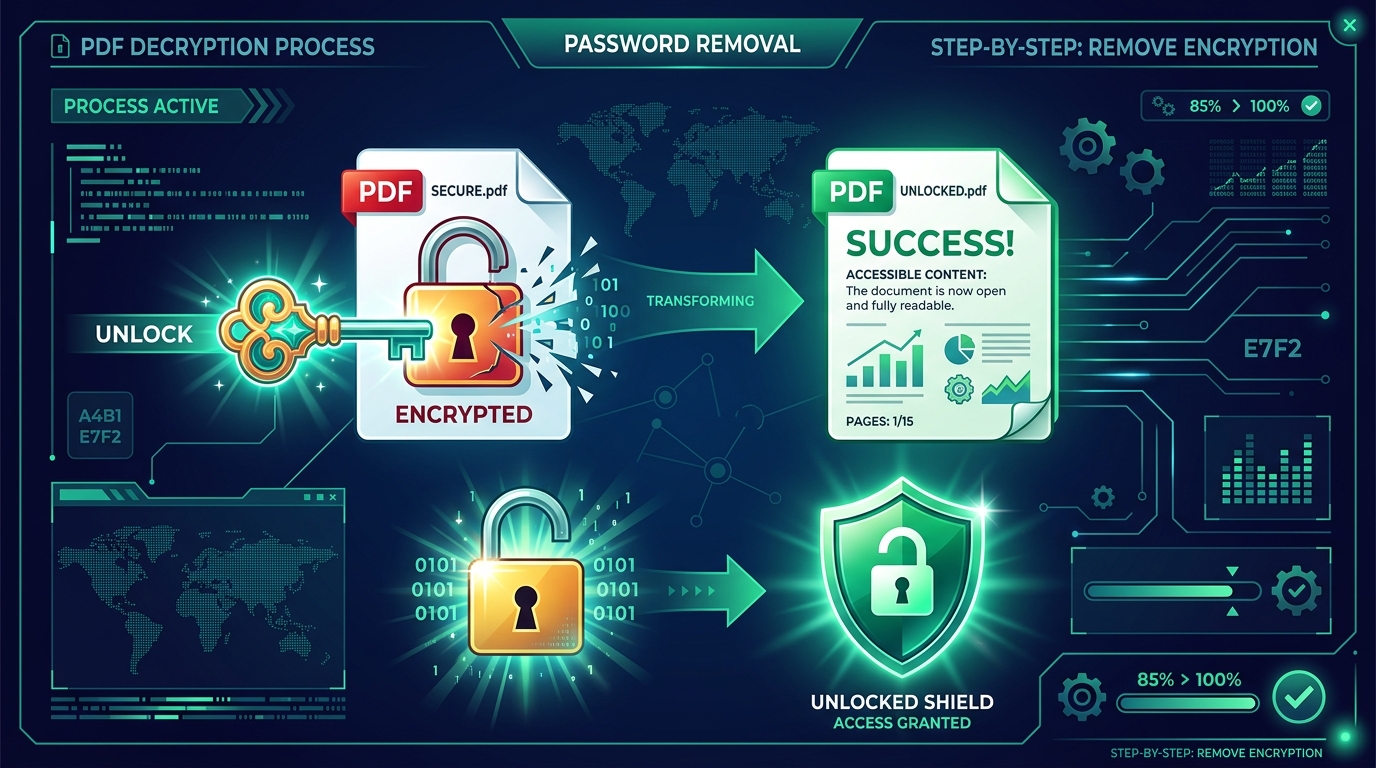
Click Unlock & Decrypt PDF. The browser engine decodes the internal binary object streams using your entered key, strips the encryption dictionary headers, and re-compiles the document into a standard, open PDF file.
Click Download Unlocked PDF. The resulting file can now be opened, printed, merged, or emailed anywhere without ever prompting for a password again!
Common Default Passwords for Indian Bank Statements & e-Aadhaar#
If you have forgotten the password scheme for an official document, here are the most common standard formats used across major institutions:
- e-Aadhaar Card: First 4 letters of your legal name in CAPITAL letters + your 4-digit Year of Birth (e.g., if name is RAHUL and birth year is 1995:
RAHU1995). - SBI Bank Statement: 11-digit account number, or 5-digit registered mobile number + 4-digit DOB (
DDMM). - HDFC Bank Statement: Your 9-digit Customer ID, or first 4 letters of name + DDMM of birth.
- ICICI Bank Statement: 4-digit date & month of birth (
DDMM) + last 4 digits of account number. - EPFO / PF Passbook: Your 12-digit Universal Account Number (UAN) or PAN card number in uppercase.
Pro Tip: Merge and Compress Multiple Statements#
When applying for a mortgage or personal loan, banks usually ask for 6 consecutive months of bank statements.
Instead of uploading six separate unlocked PDFs:
- First, unlock all six statements with Remove PDF Password.
- Open our Merge PDF Files Tool to combine all 6 statements into one chronologically ordered master PDF.
- If the combined file is too large for the loan portal, run it through our Compress PDF Online Tool to keep it under 5MB or 2MB while preserving clean transaction rows.
Frequently Asked Questions (FAQ)#
Can I remove password from PDF without knowing the password?
For permissions-locked PDFs (printing or copy restrictions), yes! FileZenith can strip permissions restrictions immediately. However, for open-locked PDFs (where the document content is encrypted with AES-128 or AES-256 ciphers), cryptographic mathematics requires you to enter the correct decryption key once to legally authorize file reading.
Bank statement se password permanently kaise hataye?
Bank statement ka password hatane ke liye FileZenith ke Remove PDF Password page par file upload karein. Apna password (jaise DOB ya Customer ID) ek baar enter karein aur Unlock PDF par click karein. Tool file se password ko hamesha ke liye remove kar dega, jise aap direct download kar sakte hain.
Will my salary or bank account details be saved on your servers?
No. FileZenith utilizes a 100% Zero-Server client-side architecture. Decryption calculations are executed entirely inside your device's local web browser. Your private financial statements, salary details, and personal data are never sent over the Internet.
Can I lock my PDF again with a new custom password?
Yes! If you want to replace an inconvenient bank-issued password with your own secure personal password, use our Protect PDF Tool to encrypt your PDF with bank-grade 256-bit AES encryption.
What if my unlocked PDF needs to be converted into an editable format?
Once unlocked, you can easily turn your PDF statements or forms into editable Word documents using our PDF to Word Converter.
Related Document Tools & Security Guides#
- Remove PDF Password — Permanently unlock encrypted PDF documents safely.
- Protect PDF with Password — Add custom AES-256 password protection and permissions.
- Merge PDF Files Online — Combine multiple monthly bank statements into a single file.
- Compress PDF to 200KB — Shrink financial files for university or government uploads.
- PDF to Word Converter — Convert statements into editable Word documents.
- How to Compress PDF Without Losing Quality — Practical tips for crisp document archiving.
Explore Related FileZenith Tools
- The Danger of Traditional Online PDF Unlockers
- User Password vs. Owner Password: What Is the Difference?
- 3-Step Walkthrough: Unlock Any PDF in Under 30 Seconds
- Common Default Passwords for Indian Bank Statements & e-Aadhaar
- Pro Tip: Merge and Compress Multiple Statements
- Frequently Asked Questions (FAQ)
- Related Document Tools & Security Guides